- To update your password, please provide your current password followed by the new password you intend to use. This is a necessary security protocol to ensure the account owner is making the change.
- To set your new password, enter it in the appropriate field for confirmation and then click the "Update Password" button to apply the changes
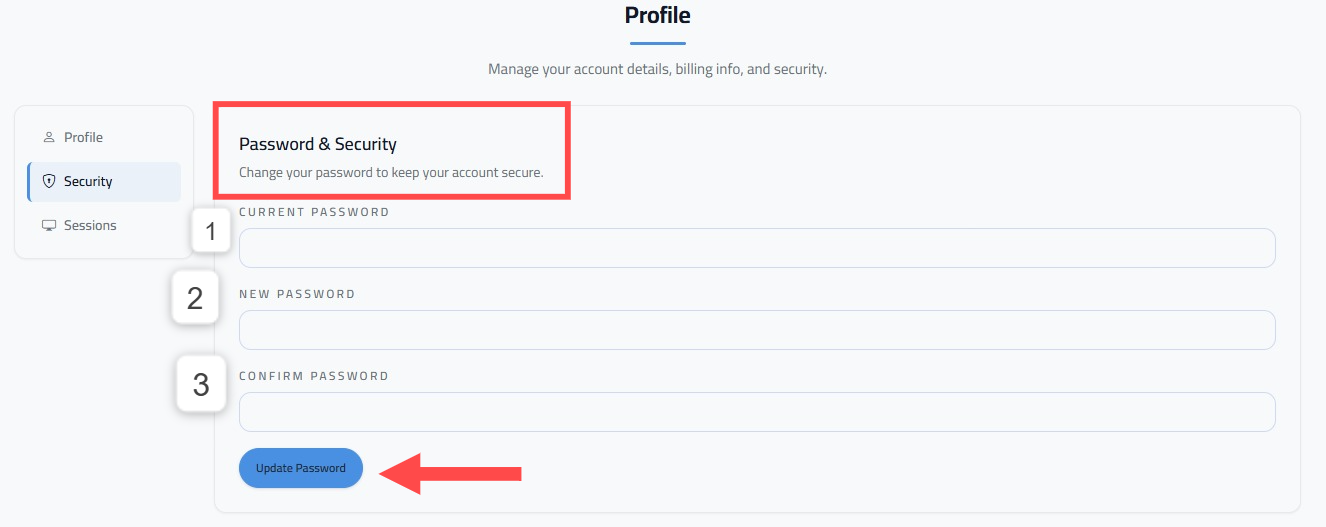 To reset your password, you can find this option HERE: https://tickcaptcha.com/profile