If you've forgotten your password, go to the TickCaptcha login page and click "Forgot password?".
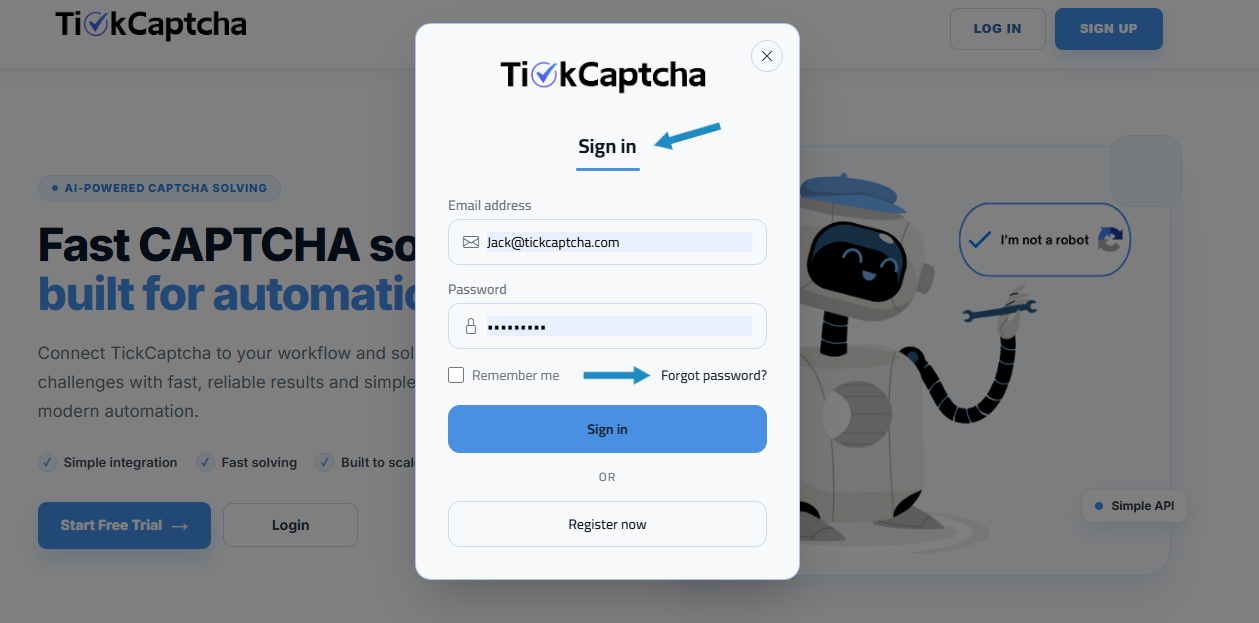
You'll then be asked to enter the email address associated with your TickCaptcha account. Enter your email and click "Send reset link".
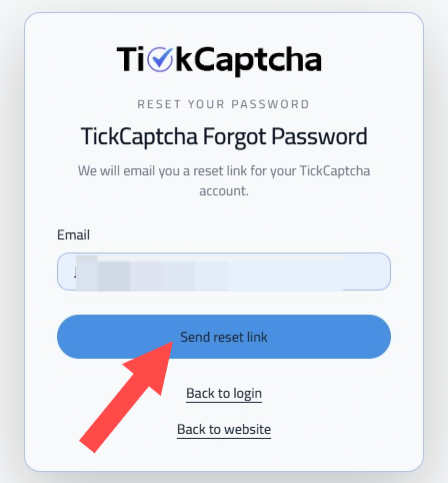
Make sure the email address you enter is registered with your TickCaptcha account. If the email is not associated with an account, you'll see an error message.
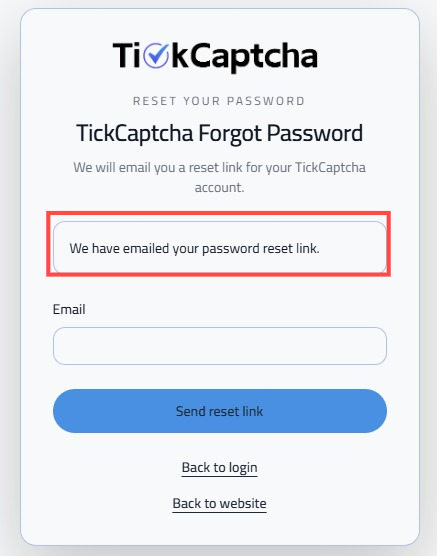
If the email address is valid, TickCaptcha will send a password reset email to your inbox.
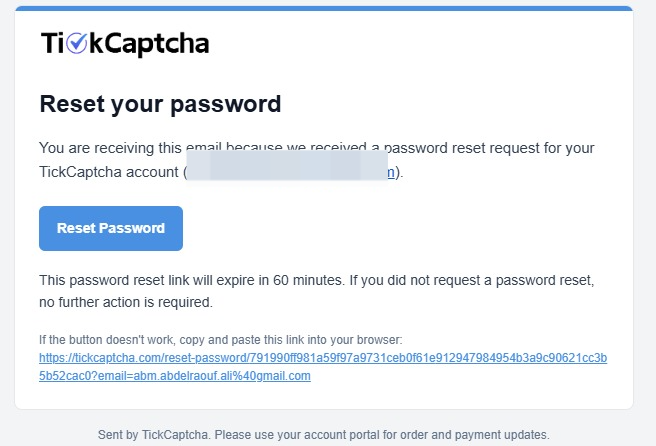
Open the email and click "Reset Password" to continue.
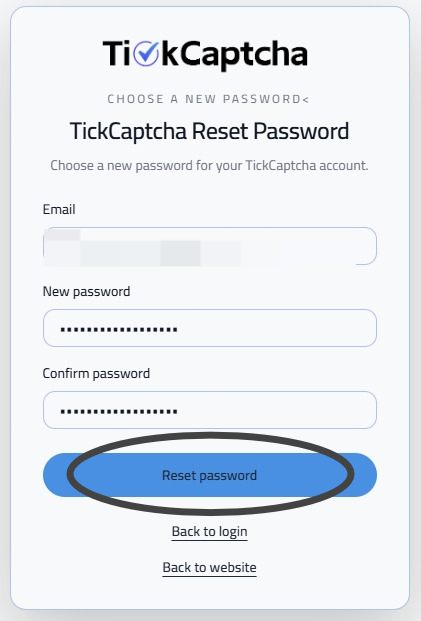
Enter your email address, create a "New password", confirm it in the "Confirm password" field, and then click "Reset Password".
Once your password has been updated successfully, you can return to the login page and sign in using your new password.
If you encounter any difficulties during the process, please contact the TickCaptcha support team for assistance.