-
For security and account awareness, you can review the sessions currently signed in to your TickCaptcha account at any time.
Go to your Profile page and select Sessions from the menu.
In the Active Sessions section, you can review the browsers and devices currently signed in to your account.
For each active session, you can see:
- Browser
- Device
- IP Address
- Last Active
- Current Session status
The total number of active sessions is also displayed at the top of the section.
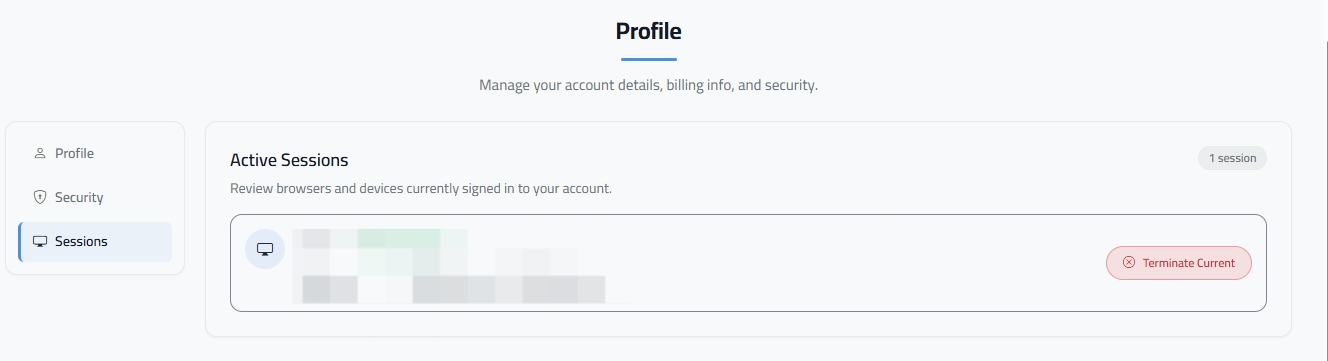
If you want to end the current session, click Terminate Current.
Regularly reviewing your active sessions can help you identify access you don't recognize and keep your TickCaptcha account secure.
You can access your account sessions here: https://tickcaptcha.com/profile.php